The wp-admin screen
The plugin's own screen in wp-admin has four tabs.
Overview
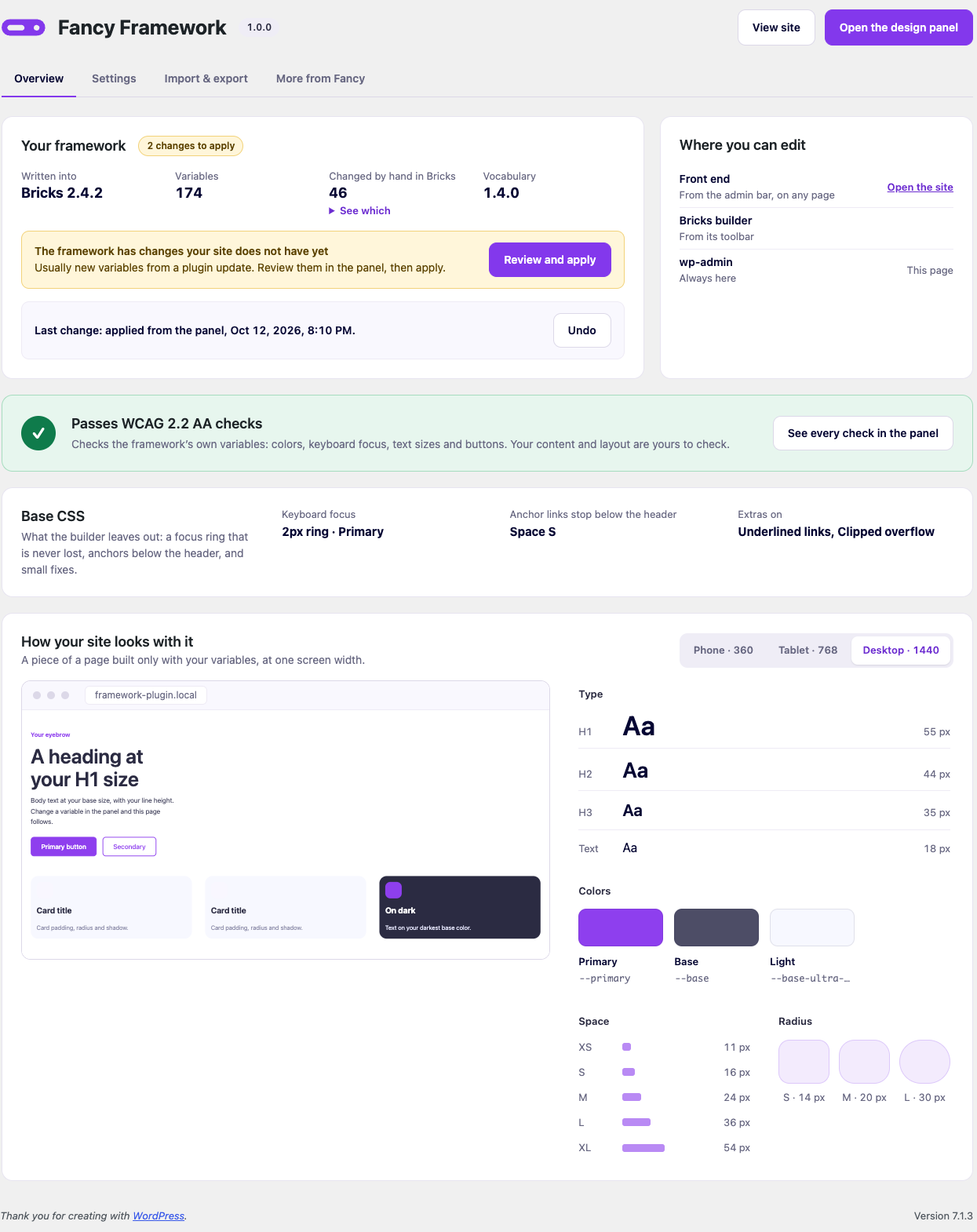
The status page: which builder the framework is written into and its version, how many variables the plugin manages, how many of them you changed by hand in the builder (with a list), the vocabulary version, the last change (with undo), where else you can open the panel, the accessibility seal of what is applied, the base CSS settings in force (with a warning if the old web CSS is still there, changed by hand), and a sample of your site built only with your variables — at the screen width you choose, with the exact sizes, colors, spacing and radii measured right on it.
If nothing has been applied yet, this tab instead offers the three starting points covered in Getting started.
Settings
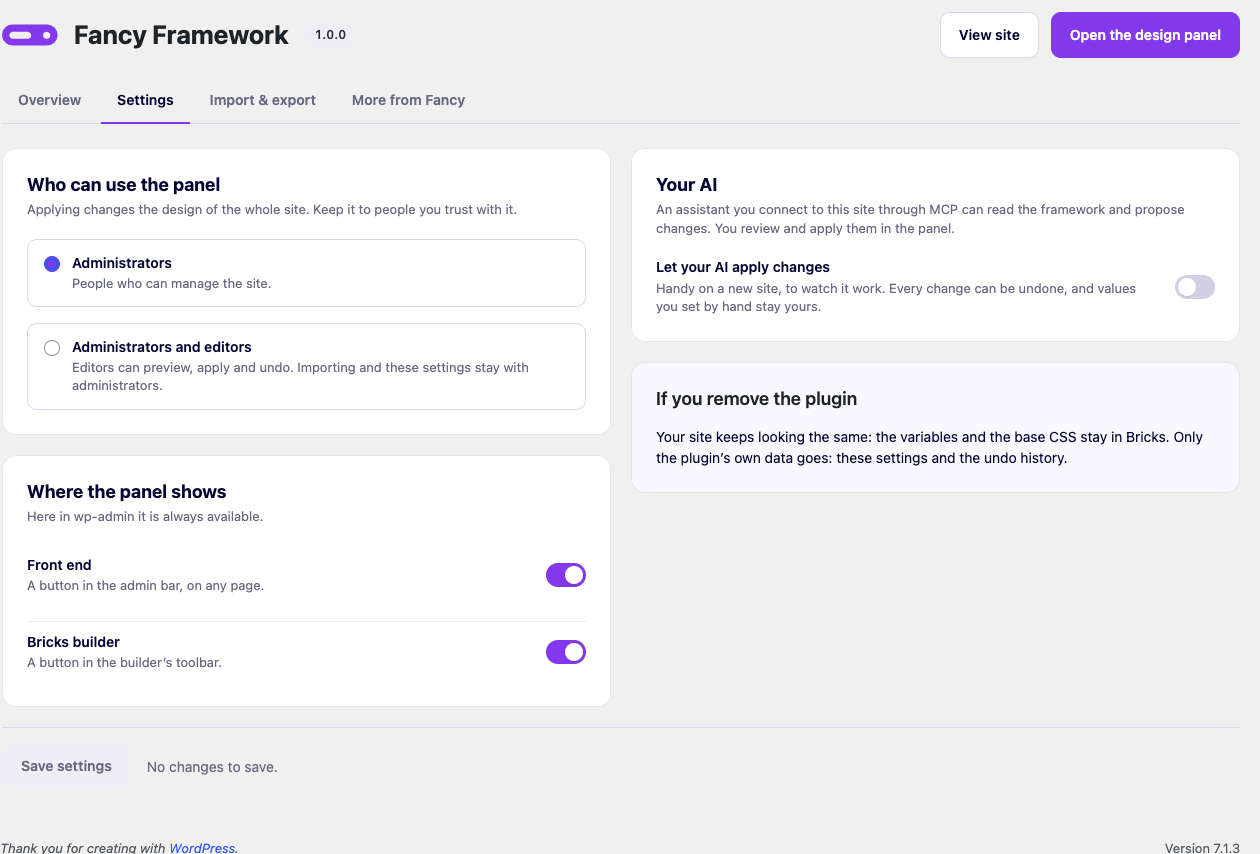
- Who can use the panel — administrators only (the default), or administrators and editors. Editors can preview, apply and undo through the panel; importing and these settings themselves stay administrators only.
- Where the panel shows — the front-end admin bar button and the Bricks builder toolbar button, each its own switch. wp-admin is always available.
- Builder — only shown when Bricks and Etch are both active: which one the framework writes into. Switching does not move or remove what is already written into the other.
- Your AI — «Let your AI apply changes», off by default. See Your AI, over MCP.
Import & export
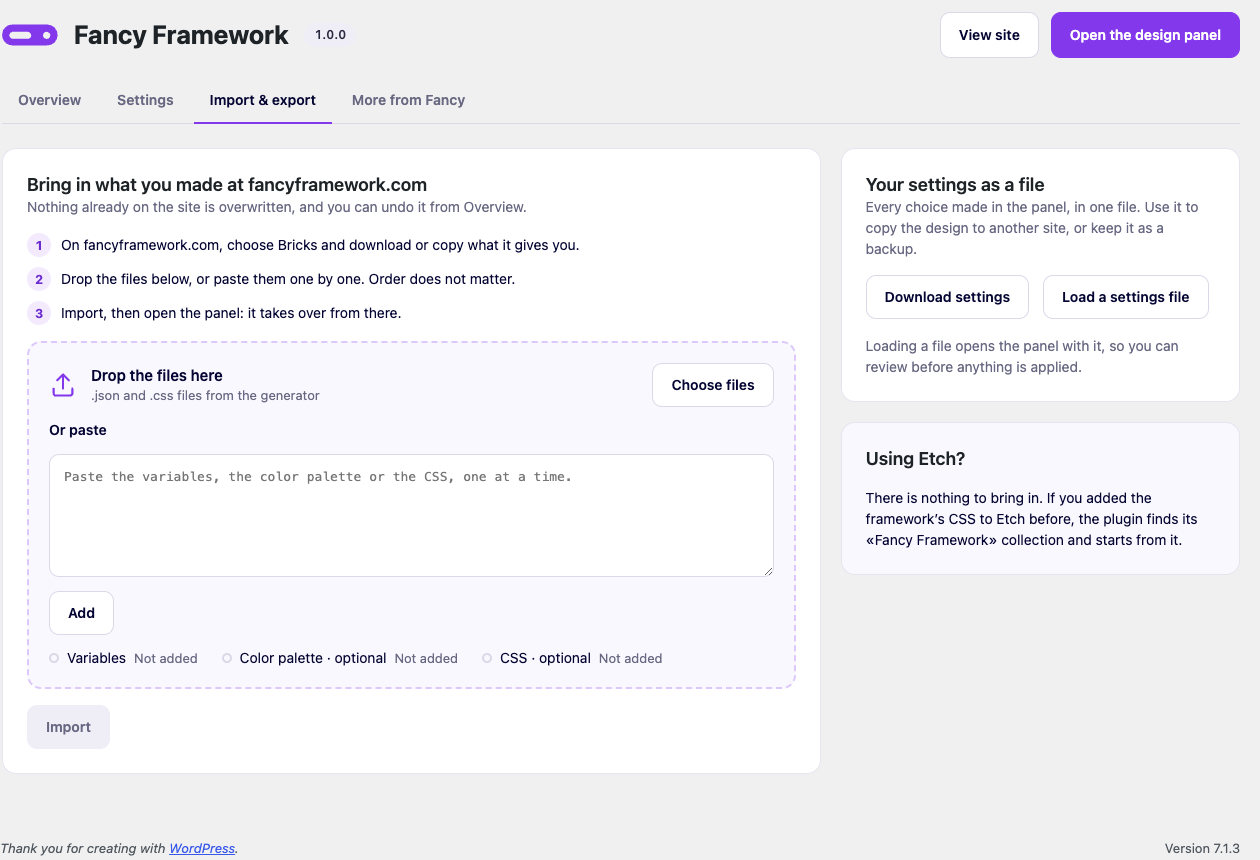
Covered in Getting started.
This tab also has your settings as a file: «Download settings» saves everything currently applied as one JSON file — useful to copy a design to another site, or as a backup. «Load a settings file» opens one in the panel to review, the same as loading a past version from History: nothing is written until you apply it.
More from Fancy
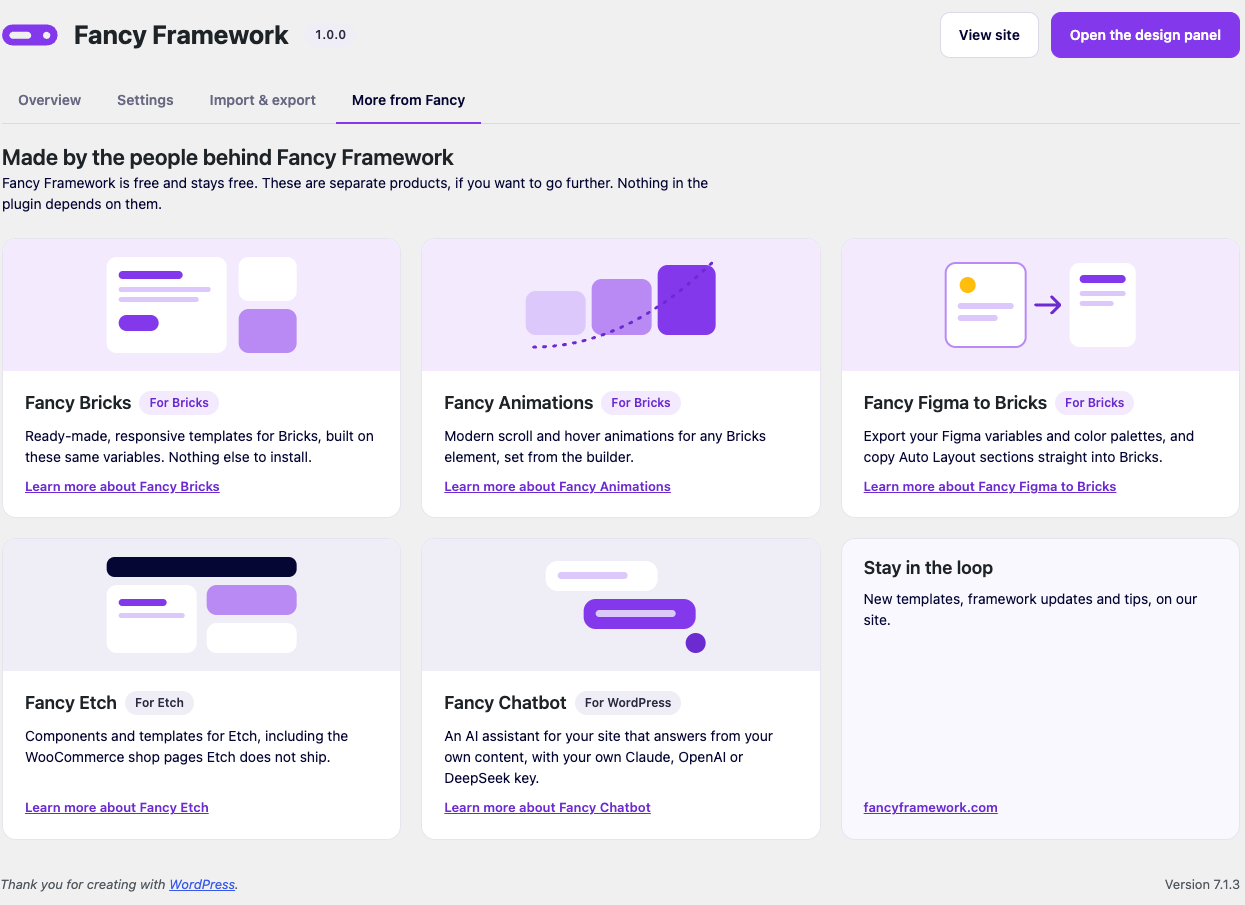
Links to the other products from the same team — Fancy Bricks, Fancy Animations, Fancy Figma to Bricks, Fancy Etch, Fancy Chatbot — with the ones for your active builder listed first. Fancy Framework is free and stays free; nothing in the plugin depends on any of them.